

Android 17 can feel surprisingly familiar after installation, especially on a regular slab phone. That does not mean the update is empty. It means Google’s latest Android release is focused less on flashy visual reinvention and more on selective new tools, foldable-first improvements, and under-the-hood changes that most people will never “see” unless they go looking for them.
That is the strange reality of modern smartphone software. In the early days of Android, every major release felt dramatic. New icons, new animations, big UI shifts and obvious feature changes made upgrades easy to notice. In 2026, the smartphone market is more mature. Hardware is already fast, app ecosystems are stable, and the most meaningful progress often happens in performance, security, continuity and specialized use cases.
This PhonesGate guide breaks down why Android 17 can feel almost identical at first, what actually changed, who benefits the most, and whether this quieter style of update is a problem or simply a sign that Android has grown up.
Key takeaway
Android 17 may look almost identical to Android 16, but important changes are hidden in foldable support, multitasking, creator tools, security and platform improvements.
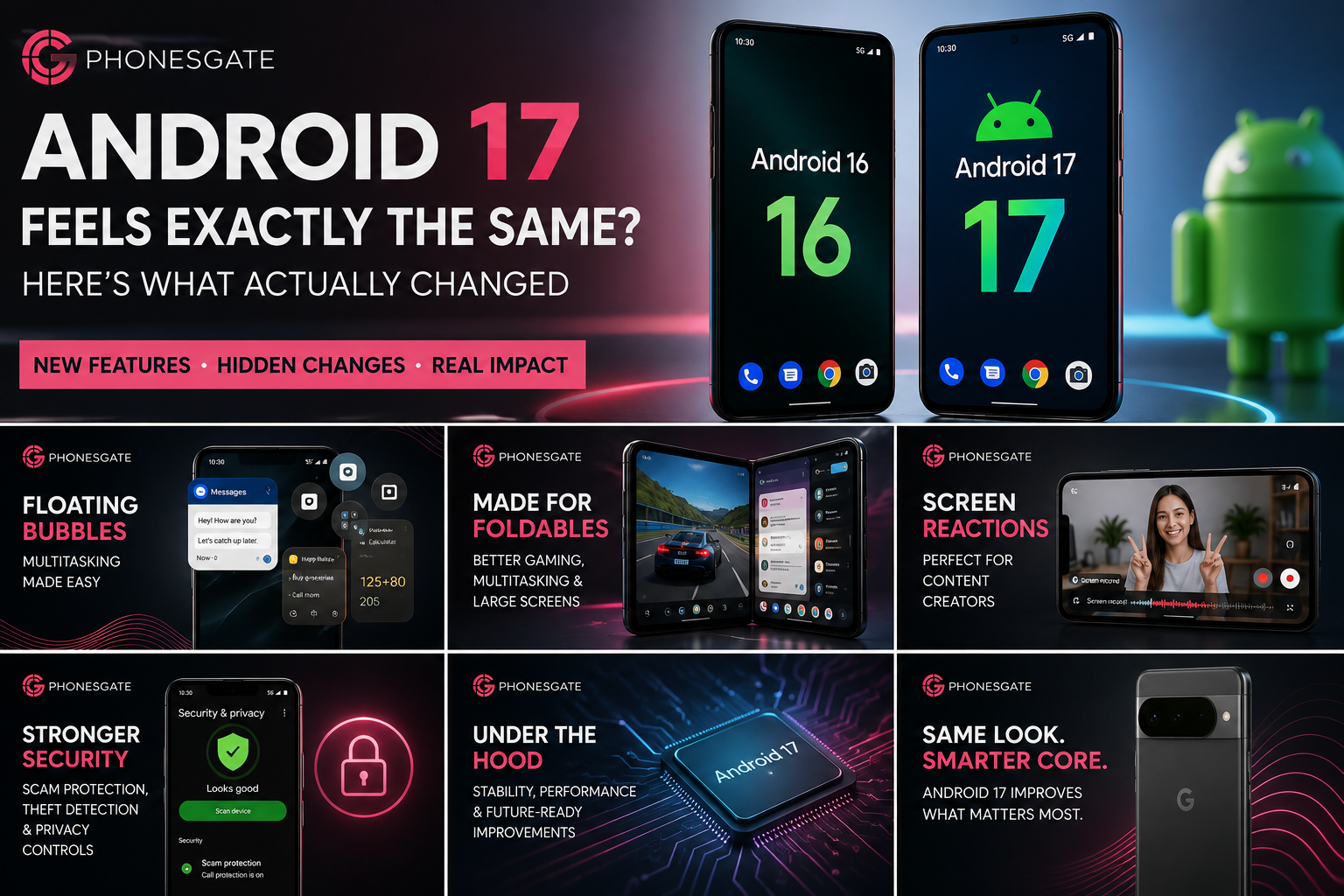
Quick answer: why does Android 17 feel the same?
Because many of Android 17’s biggest improvements are not traditional headline features. Instead of completely redesigning the interface, Google focused on:
- Foldable and large-screen features that many users do not have access to
- Multitasking tools such as bubbles and floating app behavior that are useful only for certain workflows
- Creator-oriented tools that matter more to content creators than to average users
- Security and privacy improvements that work silently in the background
- Platform groundwork that may matter more in later quarterly releases than on day one
In short, Android 17 is a meaningful update, but not always an obvious one.
9 min read
Google coverage from PhonesGate. Published Jul 28, 2026.
What actually changed in Android 17?
Area What changed Why many users may not notice Foldables Better support for multitasking, gaming and larger displays Most users still use standard phones Bubbles / multitasking Apps can float and be switched more fluidly Many users are happy with normal recent-app switching Creator tools Screen reactions and content-focused features gain attention These mainly appeal to social creators and power users Security Stronger scam protection, threat detection and device safeguards Good security is supposed to be invisible when it works Platform stability Optimization and future-readiness under the hood Subtle improvements rarely feel dramatic on day one
Foldable-first features are not for everyone
One of the biggest reasons Android 17 can feel underwhelming on a normal phone is that some of its most heavily promoted ideas make more sense on foldables and larger screens. If you use a standard 6.1-inch to 6.7-inch phone, a major part of the conversation may simply not apply to your day-to-day experience.
That is especially true for features designed around large-screen multitasking, gaming layouts, and interface behavior that feels more at home on a foldable device. These are real improvements, and they do matter for the people who own those products. But for the broader Android audience, they can make a major OS release feel strangely distant.
There is also a strategic angle here. Google clearly wants Android to feel stronger on foldables, and that means major releases will increasingly include features that serve that category first. The problem is not that those features are bad. The problem is that they do not automatically translate into excitement for buyers using conventional phones.
The bubble system is useful, but not universally exciting
Android 17 also pushes harder on bubbles and floating app behavior. Depending on how you use your phone, that can either feel like helpful multitasking or like extra visual clutter.
For some users, floating conversations, quick-switch app layers and easier app persistence on screen can be genuinely efficient. If you manage messages while referencing another app, or if you like keeping multiple tasks semi-open, bubbles can save time.
For others, though, this solves a problem they never felt strongly enough to have. Traditional app switching is already fast, gestures are familiar, and many users do not want extra floating elements on top of the interface. That is why Android 17 can trigger more of an “oh, interesting” response than a “wow, I needed this” reaction.
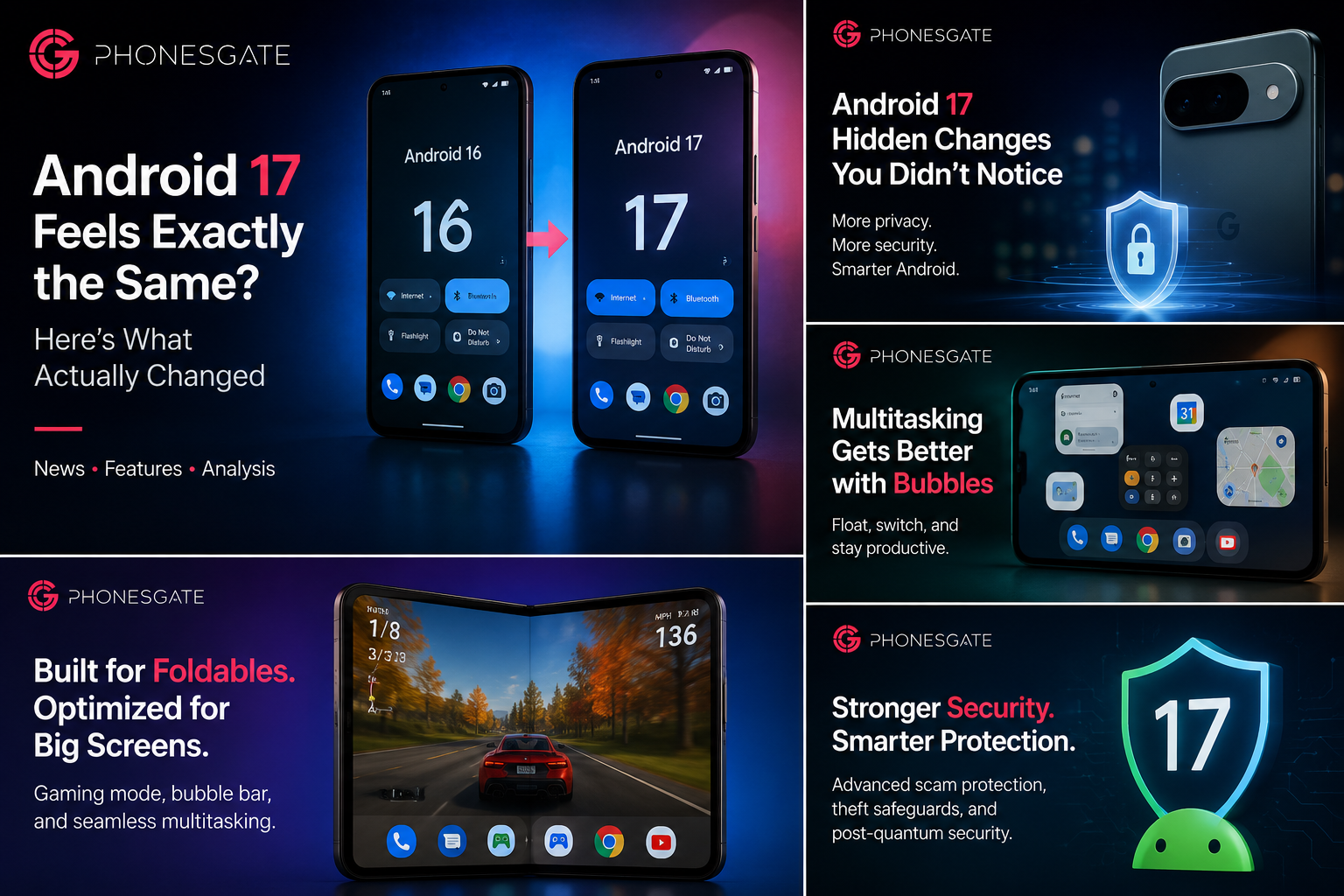
Screen reactions and creator tools target a specific audience
Another reason Android 17 can feel quieter than expected is that some of its more visible additions seem designed for content creation rather than for universal everyday use. Screen reactions, capture tools and creator-friendly interaction features make sense in an era shaped by short-form video, live content and social sharing.
That does not mean everyone will care. If you are not a creator, not filming often, and not relying on your phone as a mini production studio, these additions can feel peripheral rather than essential. They may be good tools, but they do not instantly change how most people use messaging, navigation, browsing or photography.
PhonesGate’s view is simple: these features are not pointless, but they are not broad enough to carry the emotional weight of an entire Android release on their own.
The biggest changes are under the hood
This is where Android 17 makes more sense. A major operating system update does not need to look dramatically different to be important. In fact, the most meaningful improvements are often the ones users barely notice.
Android 17 leans into that reality with stronger background protections, broader safety mechanisms and platform-level improvements designed to make devices more resilient over time. Scam detection, privacy protections, lost-device defenses and other system safeguards are exactly the kind of features most people want working silently rather than loudly.
There is also an important trade-off here. The safer and more stable a smartphone platform becomes, the less “visible” many of its best upgrades will feel. If Android 17 protects more users from fraud, improves system trust and strengthens the platform against abuse, that matters even if your homescreen looks almost identical afterward.
Why mature smartphone software feels less dramatic now
Android 17 also highlights a bigger truth about the industry: smartphone operating systems are maturing. The era of annual visual revolutions is mostly over. Once core design, gestures, app quality and ecosystem expectations stabilize, each new version becomes more about refinement.
That can feel disappointing if you expect every version number jump to bring a brand-new identity. But it can also be seen as a healthy sign. Mature platforms focus on consistency, reliability and polish. In practical terms, that is often better for users than forced redesigns that disrupt muscle memory without improving real usability.
There is still room for innovation, but more of it now happens in AI, cross-device continuity, productivity tools, camera workflows, accessibility and background security. Android 17 fits that pattern almost perfectly.
Some of the best Android 17 moments may come later
Another reason this release can feel subdued is that Google increasingly spreads the full experience across the broader update cycle. A major Android launch is no longer the only moment that matters. Quarterly Platform Releases and Pixel Feature Drops often carry some of the changes users end up remembering most.
That means Android 17 may feel like a foundation rather than a finale. The OS version establishes the core platform, while later updates refine the experience, unlock more value and deliver more user-facing improvements. If that pattern continues, the most interesting part of Android 17 may not be version 17.0 itself, but what arrives a few months later.
Who benefits most from Android 17 right now?
- Foldable users: especially those who want more from large-screen Android multitasking and gaming
- Content creators: users who can benefit from creator-friendly tools and screen-based interaction features
- Security-conscious users: anyone who values stronger protections even if they are not immediately visible
- Pixel-first enthusiasts: users who like being on the latest platform and seeing where Google is taking Android next
If you are a casual user on a conventional phone, the update may feel polished rather than transformational. That is not a bug in the experience; it is the current direction of Android itself.
PhonesGate take
Android 17 feels the same because it is trying to improve the platform without reinventing it. That will disappoint people who wanted a splashy update, but it may also be the more mature and sustainable direction for Android.
The biggest weakness of Android 17 is not that it lacks value. It is that too much of its value is either highly specialized or hidden. Foldable users, multitaskers and creators may appreciate it more quickly, while the average user may need time — and later feature drops — to feel the impact.
If Google wants future Android releases to feel more exciting, it will need to do a better job connecting these under-the-hood improvements to tangible everyday benefits. For now, Android 17 looks less like a dramatic leap and more like a quiet setup for what comes next.
Should you care if your phone feels the same after updating?
Yes, but perhaps not in the way most people think. If the update installed smoothly, your phone remains stable, and security improved without breaking your routine, that is often a success. A smartphone OS should not always demand attention to prove that it has evolved.
The real question is not whether Android 17 looks radically different. It is whether it makes Android stronger, safer and more adaptable. On that front, the answer appears to be yes — even if the first impression feels quieter than the version number suggests.
Frequently asked questions
Why does Android 17 feel the same as Android 16?
Because many of the update’s biggest improvements focus on foldables, multitasking, creator tools and background security rather than a dramatic interface redesign.
Is Android 17 a bad update?
No. It is better described as a subtle update. It may not feel exciting for every user, but it still adds meaningful platform improvements.
Who will notice Android 17 the most?
Foldable users, content creators, power users and anyone who actively explores new multitasking features will likely notice the biggest difference first.
Are the security changes in Android 17 important?
Yes. Security and anti-scam improvements may be less visible than UI features, but they are often more valuable over the long term.
Could Android 17 get better over time?
Very likely. Later quarterly updates and feature drops may add more visible improvements and make the release feel more complete.