

You do not need to turn off or restart a modern smartphone every day. However, an occasional restart can fix temporary software problems, refresh network connections and interrupt some non-persistent malicious activity. For most users, restarting once every one or two weeks—or whenever the phone behaves strangely—is a sensible habit rather than a strict requirement.
The popular belief that a phone must be switched off every night so it can “rest” is mostly a myth. Smartphones are designed to remain powered on for long periods. Their operating systems continuously manage memory, background apps, battery usage and network services without needing a daily shutdown.
This PhonesGate guide explains what a restart actually does, whether the weekly-reboot security advice is real, when power off is more useful than restart, and how often iPhone and Android users should realistically reboot their devices.
Key takeaway
Should you restart your phone every week or turn it off every night? PhonesGate separates the myths from the real performance, battery and security benefits.
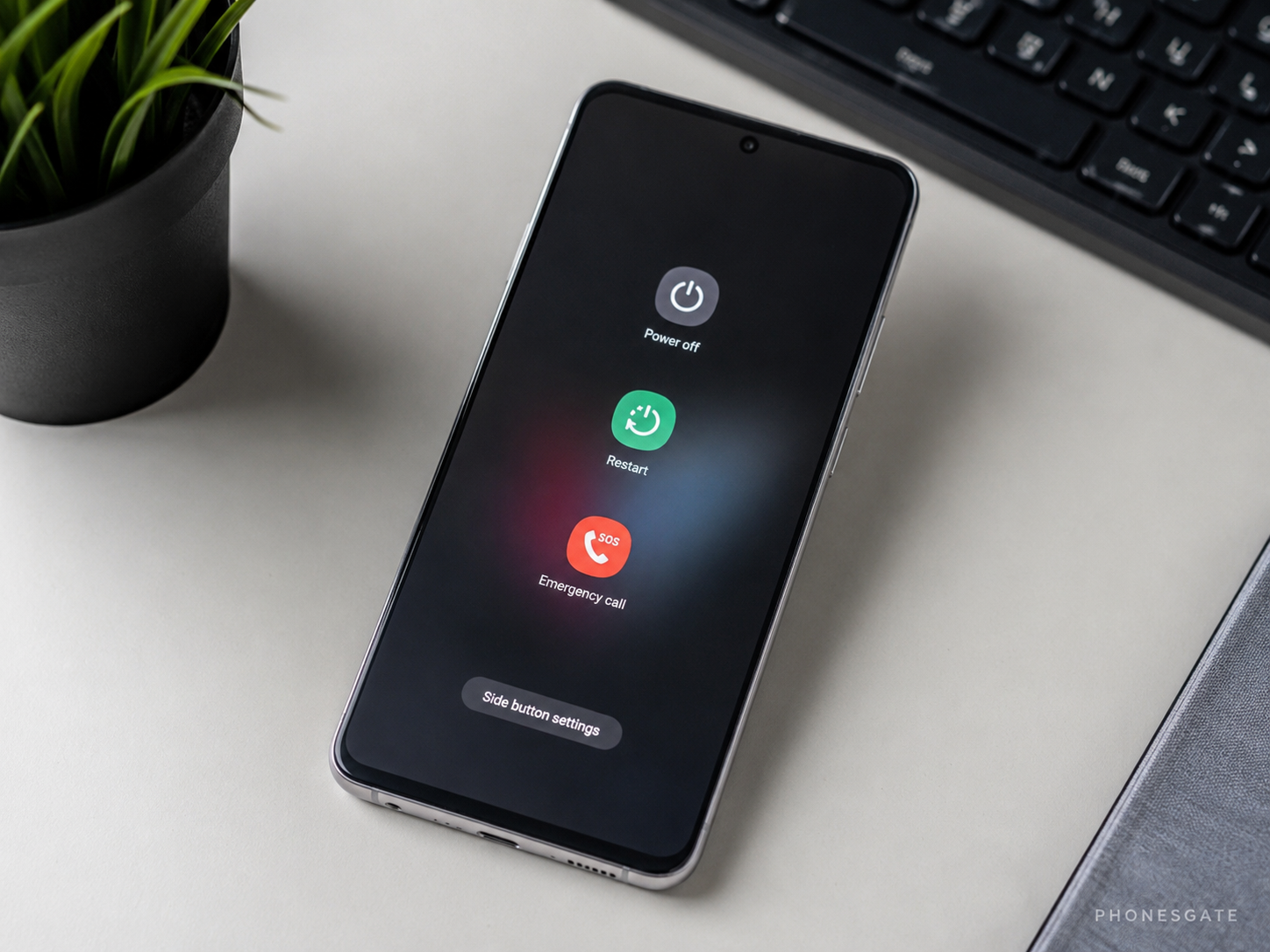
Quick answer: how often should you restart your phone?
There is no universal rule requiring every smartphone to be restarted on a fixed schedule. A practical recommendation is:
- Phone working normally: restart every one or two weeks, or simply when needed.
- Phone running slowly or apps freezing: restart immediately.
- Wi-Fi, Bluetooth or mobile data behaving strangely: try a restart before changing advanced settings.
- Higher security-risk users: a weekly power cycle is a reasonable extra precaution.
- Frozen or unresponsive phone: use a force restart only when a normal restart is impossible.
A restart is not a replacement for updates, storage management, strong authentication, safe app installation or professional repair.
10 min read
iPhone coverage from PhonesGate. Published Jul 30, 2026.
Restart, power off and force restart are not the same
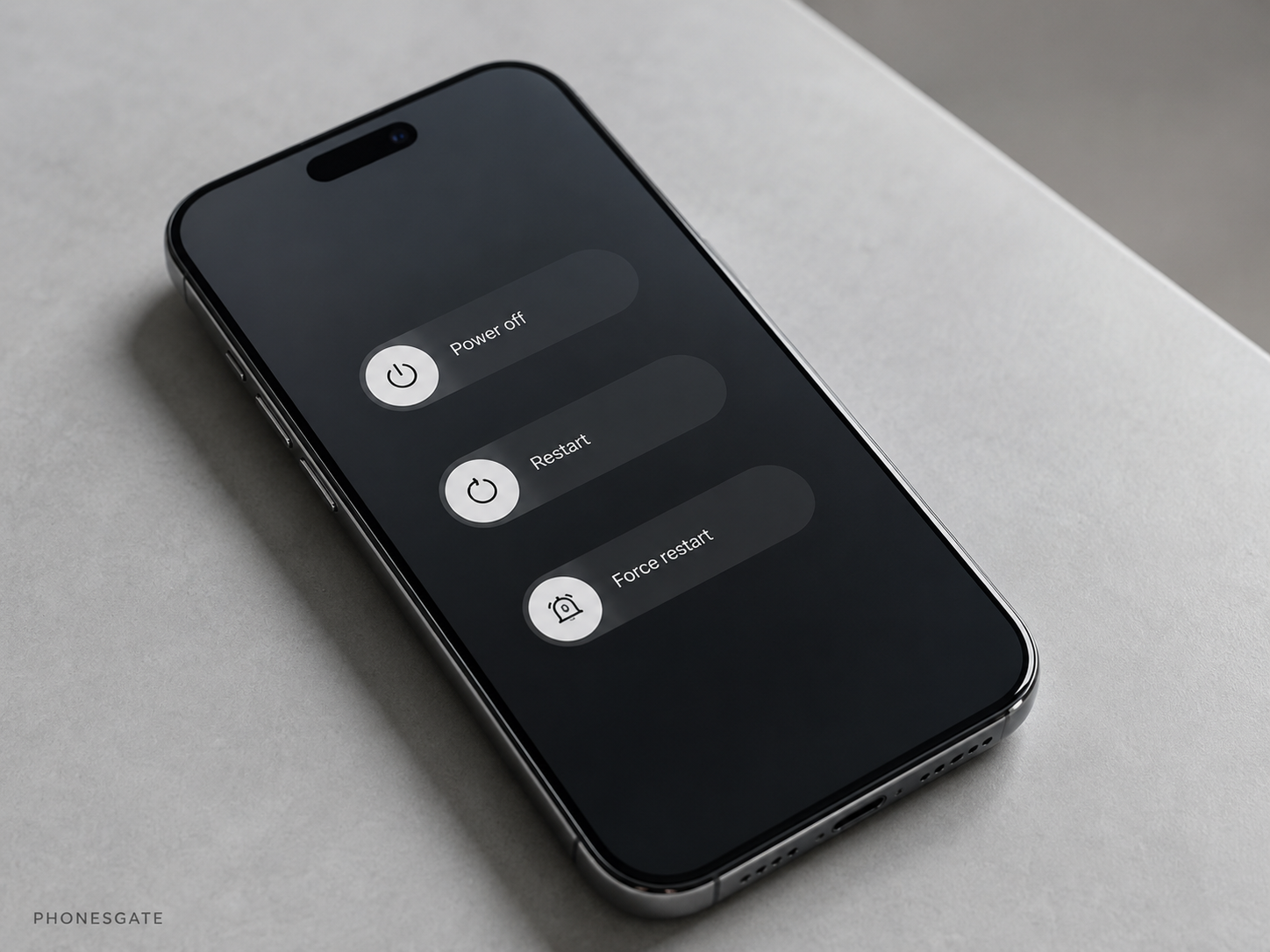
Action What it does When to use it Restart Shuts down the operating system and immediately boots it again Temporary bugs, connectivity issues, sluggish behaviour or routine maintenance Power off Shuts down the phone and leaves it off until you turn it back on Long periods without use, storage, deliberate disconnection or deeper troubleshooting Force restart Uses a hardware button sequence to reboot an unresponsive device Only when the operating system or screen is frozen Factory reset Erases user data and returns the phone to its initial software state Serious unresolved software problems, resale or secure transfer
For ordinary troubleshooting, a normal restart is the correct first step. A force restart should not become a routine habit, and a factory reset is a completely different—and destructive—operation.
What actually happens when you restart a phone?
Restarting closes the active operating-system session and starts a fresh one. During that process, the phone reloads core services, reconnects to mobile and wireless networks, and ends many temporary processes that were running in memory.
A restart can therefore resolve problems caused by:
- an app or service stuck in an abnormal state;
- a temporary memory-management problem;
- a failed Wi-Fi, Bluetooth or mobile-network session;
- a system interface process that is not responding correctly;
- an update or configuration change that needs a fresh session.
Google lists a simple restart among the first troubleshooting steps for temporary Pixel problems. Samsung also provides automatic restart options intended to keep Galaxy devices running smoothly. These recommendations show that restarting is useful, but they do not mean every phone must be rebooted daily.
Does restarting make the phone faster?
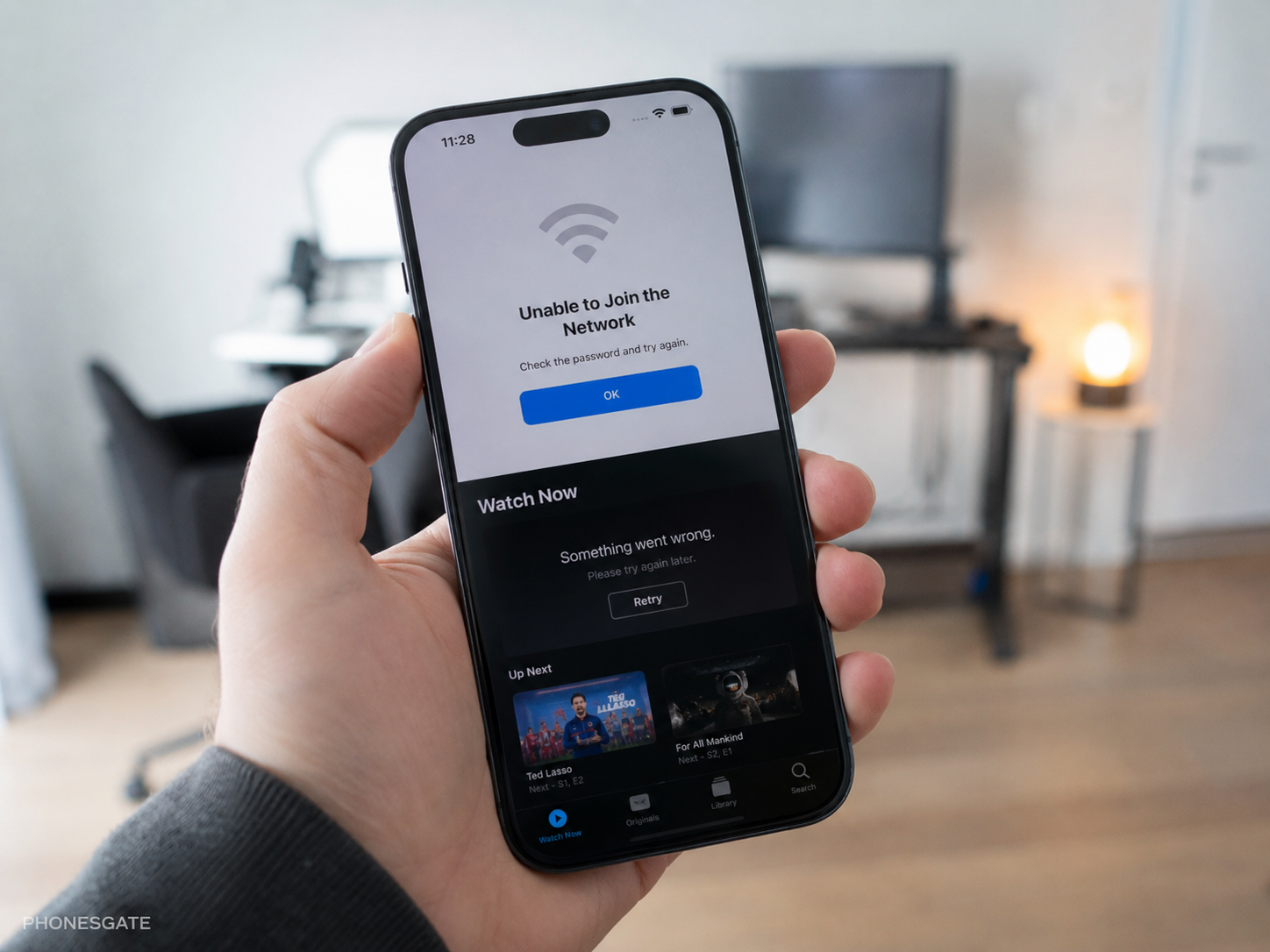
Sometimes, but usually only temporarily. A restart can improve responsiveness when an application has a memory leak, a background service is stuck or the system has entered an unusual state. Closing those processes and reloading the operating system can make the phone feel smoother.
Restarting will not permanently solve problems caused by:
- nearly full storage;
- a degraded battery;
- overheating;
- poorly optimised or outdated apps;
- damaged hardware;
- an operating-system bug that returns after every boot.
If the phone becomes slow again shortly after every restart, the reboot is treating the symptom rather than the cause. Check storage, updates, battery condition and recently installed apps.
Does restarting improve battery health?
No. Restarting does not restore lost battery capacity, reverse chemical ageing or reduce the number of charge cycles already used. Long-term battery health is influenced much more by temperature, charging habits, time spent at very high charge levels and natural cell ageing.
A restart can still appear to improve battery life when it stops a malfunctioning background process. In that case, the reboot removes an unusual source of power drain, but it does not repair the battery itself.
For better battery longevity, focus on avoiding excessive heat, using optimised charging, installing updates, checking unusual background drain and replacing a significantly degraded battery when needed.
Is the weekly restart recommendation real or a myth?
The recommendation has a real security basis, but it is often exaggerated online. The US National Security Agency has published guidance recommending that mobile devices be powered off and on weekly. It has also advised regular reboots, particularly after using untrusted Wi-Fi.
A reboot can disrupt certain malicious processes that exist only in active memory and do not automatically survive a full restart. That makes weekly power cycling a reasonable layer in a broader security routine.
However, restarting is not an antivirus scan and does not guarantee that a compromised phone becomes clean. Persistent malware, malicious profiles, stolen credentials and compromised accounts can remain after a reboot.
For meaningful security, combine restarts with prompt updates, a strong PIN, biometric protection, multi-factor authentication, trusted app sources and careful permission management.
PhonesGate verdict on weekly restarts
A weekly restart is reasonable, but it is not mandatory for every user. It is best understood as a low-effort maintenance and security habit—not a magic fix.
People who handle sensitive information, travel frequently, connect to public networks or face a higher risk of targeted attacks have more reason to reboot weekly. A casual user with a fully updated phone can follow the same routine, but should not worry if the device remains on for two weeks without problems.
Should you turn off your phone every night?
For most people, no. Modern phones are designed to remain powered on and manage low-power standby states efficiently. Turning the device off every night is unlikely to produce a meaningful improvement in battery health or performance.
If the goal is better sleep, more useful options include Do Not Disturb, scheduled sleep modes, reduced notifications, placing the phone away from the bed, Airplane Mode when connectivity is unnecessary, and charging limits or optimised charging.
Powering off at night still makes sense when you deliberately want the phone disconnected, will not use it for a long period, or are troubleshooting a persistent problem. There is no need to leave it off for a fixed number of minutes so it can “rest”.
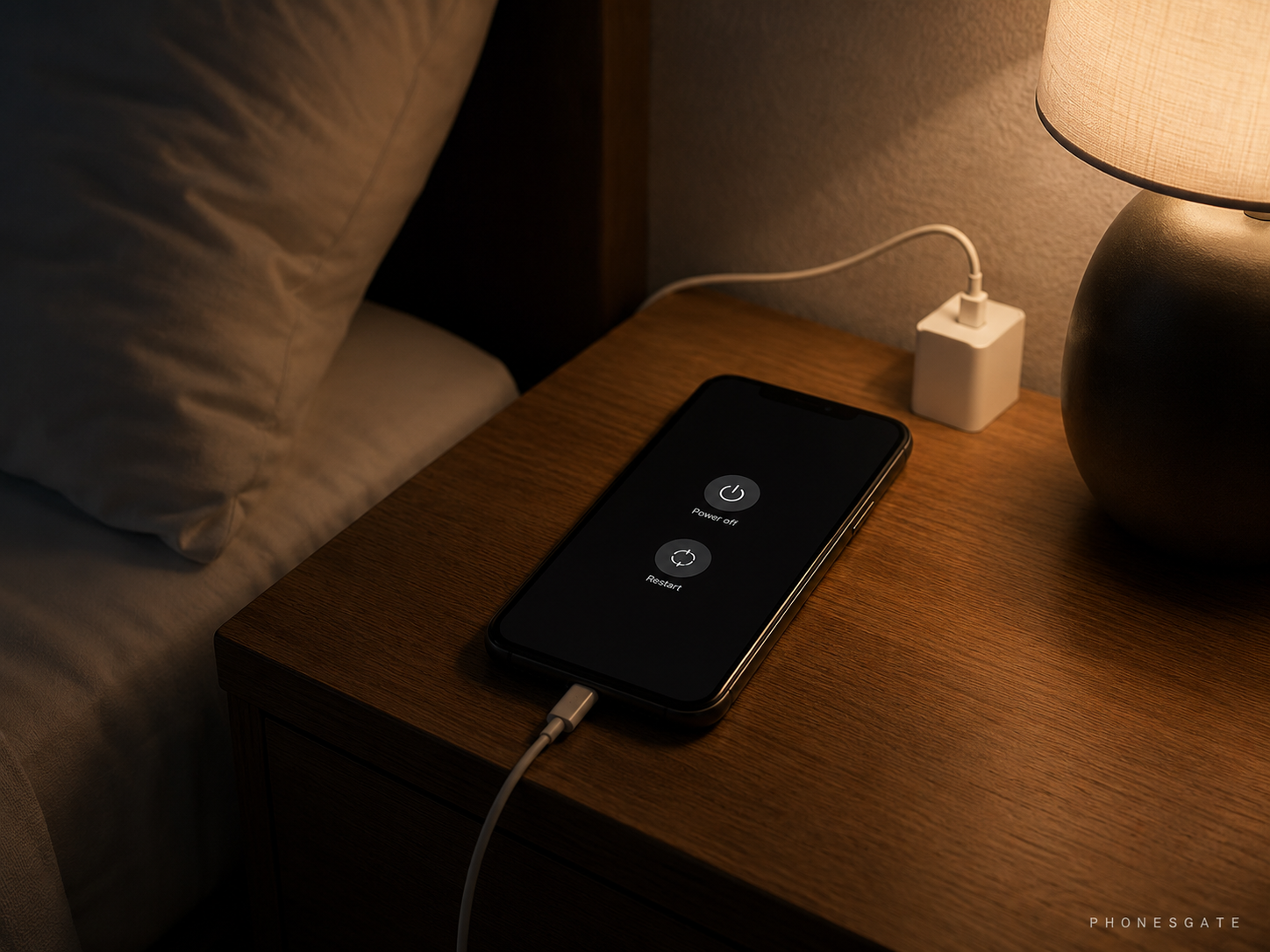
Restarting an iPhone: normal restart versus force restart
Apple distinguishes between a normal restart and a force restart. A normal restart uses the power-off slider, waits for the device to shut down, and then powers it back on. Apple recommends a force restart when the iPhone is frozen or cannot be turned off normally.
On current Face ID iPhones, a force restart generally uses this sequence:
- press and quickly release Volume Up;
- press and quickly release Volume Down;
- hold the Side button until the Apple logo appears.
This sequence is designed for an unresponsive device. It is not necessary for ordinary weekly maintenance when the normal restart controls still work.
Restarting an Android phone
Android restart controls vary by manufacturer. On many modern phones, holding the power button—or a combination such as Power and Volume Up—opens the power menu. Pixel phones also support a force reboot by holding the power button for an extended period when the system is unresponsive.
Samsung offers two useful Device Care options on supported Galaxy phones:
- Restart when needed: the phone decides when a restart may help keep the system running smoothly.
- Restart on schedule: the user selects days and an approximate time.
Automatic restart normally runs only under conditions such as the screen being off and the phone not being actively used. Menu names can vary by model and software version.
When should you restart immediately?
- the phone becomes unusually slow without an obvious reason;
- an app remains frozen after being closed and reopened;
- Wi-Fi, Bluetooth, NFC or mobile data stops behaving normally;
- calls or notifications fail unexpectedly;
- the camera or another system service refuses to open;
- the interface shows visual glitches;
- an update or component explicitly asks for a reboot.
If the phone repeatedly restarts by itself, that is different. Unexpected reboot loops can indicate a problematic app, damaged software, overheating, a failing battery or another hardware fault. Back up important data and investigate the cause rather than treating repeated automatic restarts as normal.
What a restart cannot fix
Problem Will restart fix it? Better next step Temporary app freeze Often Restart, then update or reinstall the app if it returns Wi-Fi session problem Often Restart; then forget and reconnect to the network Full storage No Remove or offload files and unused apps Degraded battery No Check battery health and arrange replacement if needed Persistent malware Not reliably Update, remove suspicious software and seek security assistance Broken charging port or display No Hardware inspection or repair
A practical restart schedule
User or situation Practical recommendation Average user with no problems Every one or two weeks, or only when needed Frequent public Wi-Fi or travel use About once a week and after higher-risk connectivity situations Phone slowing down or showing temporary bugs Restart immediately After a normal system update No extra restart if the update already rebooted the device Frozen phone Force restart only when normal controls do not respond Phone stored unused for a long period Power off with a moderate charge and store safely
PhonesGate take
The idea that smartphones need daily rest comes from the way people once treated older computers and electronics. Modern phone operating systems are built for continuous operation, and their power-management systems are far more sophisticated than a simple on-or-off model suggests.
A restart remains valuable because software is imperfect. Apps can leak memory, network services can stall and background processes can enter unusual states. Rebooting gives the system a clean session and often resolves those temporary problems within a minute.
The best mindset is balanced: do not treat restarting as a ritual, but do not ignore it as a troubleshooting and security tool. Restart when the phone misbehaves, consider a weekly reboot if you want a simple security habit, and focus the rest of your effort on updates, safe apps, storage, temperature and battery health.
Final verdict
You do not need to turn off your phone every night, and a daily restart provides little benefit for a normally functioning device. Restarting once every one or two weeks is a sensible optional habit. A weekly power cycle is also supported by official security guidance as one small protective measure.
For most users, the most important rule is simpler: restart the phone when something feels wrong. If the same problem keeps returning after every reboot, stop restarting and investigate the underlying cause.
Frequently asked questions
Is it good to restart your phone every day?
It is generally unnecessary. Daily restarts are unlikely to harm the phone, but most users will not gain a meaningful benefit.
Should I restart my phone once a week?
A weekly restart is a reasonable maintenance and security habit, especially for higher-risk users, but it is not mandatory.
Does restarting clear the cache?
It clears active temporary states and memory, but it does not necessarily remove all app caches or stored temporary files.
Does restarting remove viruses?
It may interrupt non-persistent malicious processes, but it does not reliably remove malware, compromised accounts or persistent threats.
Should I shut down my phone while charging overnight?
No. Modern phones can charge while powered on. Optimised charging, temperature control and a good-quality charger matter more.
Is force restart bad for the phone?
Using it occasionally when the device is frozen is appropriate. It should not replace a normal restart when the operating system responds.
Sources and methodology
This article uses official Apple, Google, Samsung and US National Security Agency guidance. PhonesGate distinguishes manufacturer troubleshooting instructions from broader security recommendations and does not present a weekly restart as a guaranteed malware-removal method.
- Apple Support: Restart your iPhone
- Apple iPhone User Guide: Force restart iPhone
- Google Pixel Help: Turn your Pixel phone on and off
- Google Pixel Help: General troubleshooting and restart guidance
- Samsung Support: Auto restart and Device Care
- Samsung Support: Different ways to restart a Galaxy device
- NSA: Mobile Device Best Practices
- NSA: Best Practices for Securing Your Home Network