

Android 17 does more than change how your phone looks. Some of its most important upgrades happen below the surface, in the way apps contact websites, discover devices on your home Wi-Fi and validate the identities of secure servers. Google is also making it easier for mobile operators to close a cellular loophole exploited by fraudulent SMS equipment.
These are meaningful security changes, but they are not four magic switches that protect every phone, app and connection equally. Encrypted Client Hello needs adoption by both the app's networking software and the remote service; local-network permission rules depend on an app's target Android version; certificate checks have defined exceptions; and the 2G measure depends on carrier support. Those conditions are the difference between a useful explanation and an inflated headline.
In this PhonesGate explainer we examine the four protections highlighted in Google's August 27, 2026 network-security announcement, compare what they actually defend against, and explain what Android users should do now. Android 17 was released on June 16, 2026, with availability varying by supported device and manufacturer.
Key takeaway
Android 17 adds ECH, local-network permissions, default certificate transparency and a carrier option to disable 2G. Here is what each safeguard really does and where its limits remain.
Editorial methodology: This article is based on Google's public security announcement and Android Developers' platform and networking documentation, reviewed on November 9, 2026. PhonesGate has not conducted packet captures, penetration tests, app-compatibility experiments or hands-on testing on an Android 17 device. All visuals are AI-generated editorial illustrations, not Android settings screenshots or proof of a security test.
The four protections at a glance
Android 17 protection What it helps protect Important limitation Encrypted Client Hello (ECH) Website name metadata in supported TLS connections Requires compatible networking libraries and server support; not anonymity Local Network Protection Access by apps to nearby devices on your home/office LAN Mandatory for apps targeting Android 17/API 37; legacy targets behave differently Certificate Transparency (CT) Detection of unexpectedly or falsely issued public TLS certificates Does not eliminate all phishing or all network attacks; app/CA exceptions exist Carrier-controlled 2G defaults Exposure to a legacy downgrade path used by some SMS blasters Only effective where the device and participating carrier support the behavior
11 min read
Google coverage from PhonesGate. Published Nov 9, 2026.
1. Encrypted Client Hello makes domain tracking harder
When an app opens an HTTPS connection, encryption protects the content exchanged with the server. Historically, however, a piece of the TLS setup called Server Name Indication (SNI) could reveal which domain the client intended to reach. That metadata can be revealing even when nobody can read your messages or passwords.
Encrypted Client Hello (ECH) is a TLS mechanism designed to encrypt that sensitive portion of the connection's initial handshake. Android 17 adds platform support, and Android's network security configuration enables the relevant mode by default for apps targeting API level 37—when a supported networking implementation and destination server can actually negotiate ECH.

What ECH hides—and what it does not
Imagine you are on public Wi-Fi and an app connects to a health, banking or messaging domain. ECH can make it harder for an observer of that network path to read the exact hostname from the TLS handshake. With appropriately protected DNS, fewer clues about your destinations may be exposed.
ECH does not conceal your IP address from the network, prevent the destination service from recognizing your account, protect an unencrypted HTTP connection, or replace a VPN. Other metadata, including IP addresses and traffic patterns, may still permit inferences. The strength of protection also changes if DNS queries remain visible.
Android's developer documentation explains that ECH must be supported by the app's HTTP/TLS networking library and the remote server. Google's ECH implementation guide describes adoption through compatible clients such as appropriately configured OkHttp 5.5.0, while availability in other networking stacks can follow a different schedule. An OS upgrade alone does not force every existing app to use ECH overnight.
Practical takeaway: Keep Android and networking apps updated, use HTTPS services, and consider trusted encrypted DNS where appropriate. Do not expect a new privacy toggle labelled “anonymous browsing”; ECH is primarily a protocol capability implemented by apps and servers.
2. Local Network Protection stops unrestricted discovery in newer apps
Your phone may share Wi-Fi with smart TVs, speakers, cameras, printers and computers. That convenience also gives apps a potentially valuable picture of your home: device types, names and local services can reveal habits or support device fingerprinting. For years, many Android applications could reach local-network resources with the ordinary INTERNET permission.
Android 17 introduces the ACCESS_LOCAL_NETWORK runtime permission. For apps targeting Android 17 (API 37) or higher, local LAN discovery and connections are restricted by default unless the app uses a privacy-preserving system-mediated picker or obtains the relevant permission. Android groups this under Nearby devices, so a user who already granted another permission in that group may not see a separate new prompt.

Will your casting or smart-home apps stop working?
Most people will notice this change, if at all, in apps that want to discover nearby devices. A video app may need to find a television; a smart-home controller may communicate with a hub. Android recommends system-mediated selectors for suitable cases, which can let a user choose a target without exposing every device on the LAN to the app.
Importantly, the mandatory restriction is tied to apps that target API 37 or higher. Android Developers states that apps targeting API 36 or lower retain an implicit local-network grant through their existing internet permission during this transition. It would therefore be misleading to claim Android 17 immediately blocks local discovery for all installed legacy apps.
If an updated app suddenly cannot see your television or printer, check its Nearby devices permission, look for a system device picker, update the app, and use the developer's support instructions. Grant broad local-network access only when the app genuinely needs it; permissions are not a substitute for securing your Wi-Fi router and IoT devices.
For the exact distinction between modern and legacy apps, see Android Developers' local network permission guide.
3. Certificate Transparency helps expose fraudulent HTTPS certificates
HTTPS relies on digital certificates that let software verify it is talking to an intended service. A lock icon is not proof that a site is trustworthy in every respect: attackers can still register convincing lookalike domains. There is also a separate risk that a certificate authority might accidentally—or maliciously—issue a certificate for a domain it should not certify.
Certificate Transparency (CT) addresses that second problem. Public, append-only certificate logs give site operators and security researchers a way to detect unexpected certificate issuance. Android 17 turns on CT verification by default in its network security configuration for supported public-certificate connections, where Android 16 had made it an opt-in capability.
The improvement is about accountability and detection, not a promise that certificates can never be abused. Public logs make mis-issuance easier to find and harder to hide; verification adds another check to suitable secure connections. Apps with custom trust arrangements and some internal or private-certificate deployments can require exceptions. Android provides scoped configuration options rather than assuming the same public-CT rules apply to every private enterprise service.
For developers and IT administrators, this is a reason to review certificate chains, internal service dependencies and exceptions before raising the target SDK. For everyone else, the user-facing advice remains simple: do not override certificate warnings casually, install updates, and verify that a website's address is legitimate. CT cannot tell you that a perfectly certified phishing site is safe.
Google documents default behavior and configuration exceptions in its Network Security Configuration guidance.
4. A new carrier option aims to shut down SMS-blaster downgrade attacks
Some SMS scam operations use portable equipment that impersonates cellular infrastructure and tricks compatible phones into connecting using older, weaker radio technology. Google refers to these devices as SMS blasters or false cellular base stations. One attack path involves persuading devices to fall back from newer networks to legacy 2G, which lacks many safeguards modern mobile standards rely on.
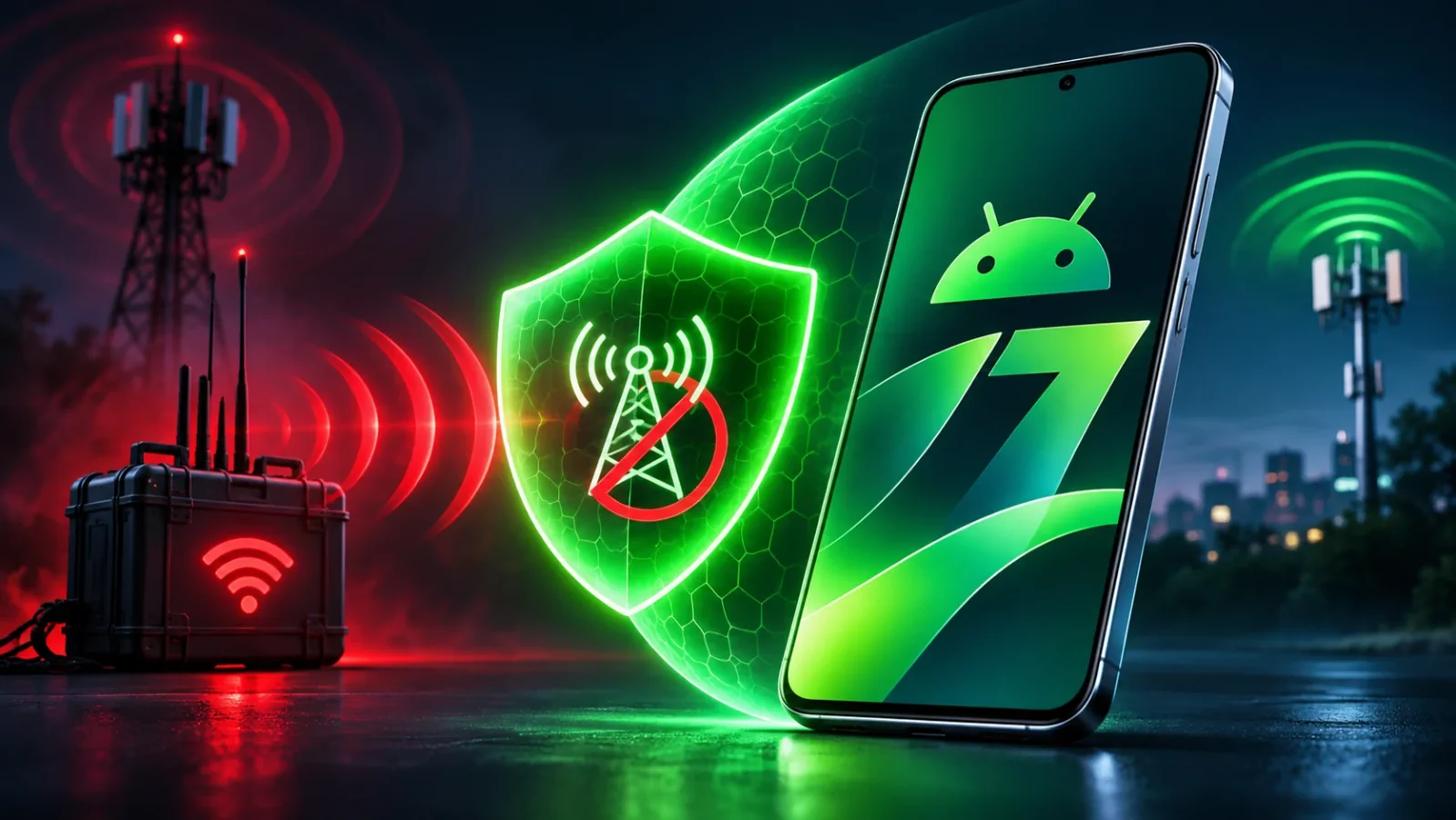
Android has offered a manual way to disable 2G on supported hardware since Android 12. With Android 17, Google adds the ability for participating carriers to make 2G disabled by default for their customers. That reduces dependence on every individual user finding and choosing a technical security setting.
What changes for you?
Where an operator enables the new behavior on compatible devices, the phone can avoid a downgrade route used by some SMS blasters. But this protection is not a global, automatically enforced 2G shutdown. Networks, device capabilities and carrier configurations differ; 2G may still serve legitimate connectivity in some places.
Disabling 2G also does not eliminate ordinary spam sent over legitimate networks, account takeovers, fake support calls, malicious links or messaging-app scams. It narrows one specific radio-layer attack surface. If your device offers a 2G restriction, look for it under cellular or SIM security settings (the path varies by brand), and consider the local coverage consequences before changing it. Follow your carrier's official guidance where 2G is still required.
For Google's own account of the threat and the new default-setting option, see its Android 17 network-security announcement.
Which upgrade matters most in everyday life?
There is no single winner because the threats are different. If you regularly use shared Wi-Fi, ECH can help reduce exposure of domain metadata in supported connections. If you rely on a smart-home ecosystem, the new LAN permission is important because it governs who can look for other devices. Certificate Transparency largely works behind the scenes, improving the accountability of public TLS certificates. The 2G change is especially relevant to the cellular downgrade risk—but depends on carrier action.
These mechanisms also protect different layers. They should not be conflated with a VPN, anti-malware software, two-factor authentication or the physical ability to hide a screen from onlookers. For that last scenario, PhonesGate separately explains how Galaxy S26 Ultra Privacy Display works; it addresses shoulder-surfing rather than network interception.
How to check your Android 17 security position
- Verify the installed version. Open the device's software information and check the Android version, security patch level and vendor build. The menu path varies among brands.
- Check official update availability. An Android 17 release does not mean every regional model received every feature on the same date. Our Android 17 eligible-device guide separates confirmed announcements from general predictions.
- Update frequently used apps. ECH and the new LAN permission depend in part on networking-library support and the app's Android target level.
- Review Nearby devices access thoughtfully. If an updated app requests broad access to your home LAN, ask whether it needs control of local devices or merely wants to discover a single TV.
- Check your mobile network settings and carrier guidance. The 2G option and any carrier-provided default vary by handset, modem, country and operator.
- Keep standard safeguards on. Security patches, safe app installation, account authentication and phishing awareness remain essential even with these network upgrades.
For a broader overview of the OS beyond networking, read PhonesGate's existing Android 17 features explainer.
FAQ: Android 17 network security
Does Android 17 make web browsing anonymous?
No. ECH can protect the hostname inside a supported TLS handshake, but it does not hide every network identifier, the remote server's knowledge of your visit, or your account activity. Encrypted DNS, compatible clients and compatible servers also matter.
Do all apps need a new Wi-Fi permission immediately?
No. The new local-network permission is mandatory for apps targeting Android 17/API 37 or above. Older-targeted apps have transitional behavior, so not every installed app receives the same restriction at once.
Does Certificate Transparency stop fake websites?
Not by itself. CT makes improperly issued public TLS certificates easier to expose. A phishing page can still obtain an otherwise legitimate certificate for an attacker-owned domain.
Will Android 17 disable 2G on every phone?
No. Android 17 gives participating carriers a mechanism to default 2G off for subscribers on compatible deployments. It is not a universal rule for every handset and network.
PhonesGate verdict: useful protection, but the conditions matter
Android 17's network-security story is less flashy than a new interface and more important than a list of buzzwords. Google is addressing four distinct weak spots: visible destination metadata, overbroad local network access, opaque certificate issuance and risky legacy cellular downgrades.
The real progress will be measured in adoption, not marketing: more apps and servers using ECH, more developers moving to privacy-preserving local-device discovery, fewer certificate mistakes going unnoticed, and more carrier networks retiring unsafe 2G defaults. Until then, Android 17 raises the baseline without making any phone invulnerable. That is the useful conclusion for readers deciding what the update actually changes.
Primary sources and image disclosure
- Google Security — 4 new ways Android is protecting your network connections (August 27, 2026).
- Android Developers — Behavior changes for apps targeting Android 17 (current platform documentation).
- Android Developers — Adopting Encrypted Client Hello.
- Android Developers — Local network permission.
- Android Developers — Network Security Configuration: CT and ECH.
- Google — Check out what's new in Android 17 (June 16, 2026).
Editorial disclosure: Independent PhonesGate technology analysis, reviewed November 9, 2026. No sponsorship or hands-on experiments are claimed. The featured image and all inline visuals are AI-generated editorial illustrations; they do not show genuine Android UI screens, actual device specifications, an actual cellular interceptor or recorded encryption traffic. Actual protection depends on implementation and configuration; consult the primary documentation for current availability.